
Lorem ipsum dolor sit amet, consectetur adipiscing elit, sed do eiusmod tempor incididunt ut labore et dolore magna aliqua. Ut enim ad minim veniam, quis nostrud exercitation ullamco consectetur adipiscing.
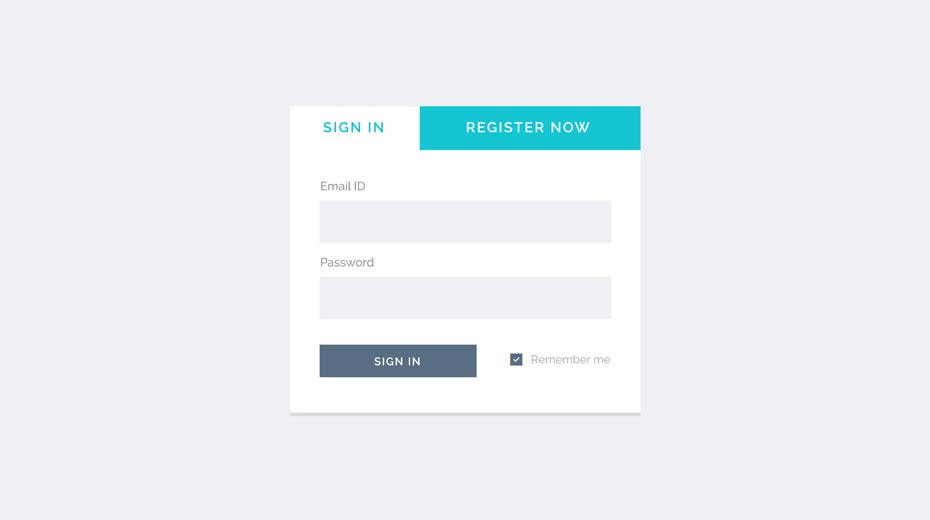
Lorem ipsum dolor sit amet, consectetur adipiscing elit, sed do eiusmod tempor incididunt ut labore et dolore magna aliqua. Ut enim ad minim veniam, quis nostrud exercitation ullamco consectetur adipiscing.
Lorem ipsum dolor sit amet, consectetur adipiscing elit, sed do eiusmod tempor incididunt ut labore et dolore magna aliqua. Ut enim ad minim veniam, quis nostrud exercitation ullamco.

xtag accepts the following payment methods:
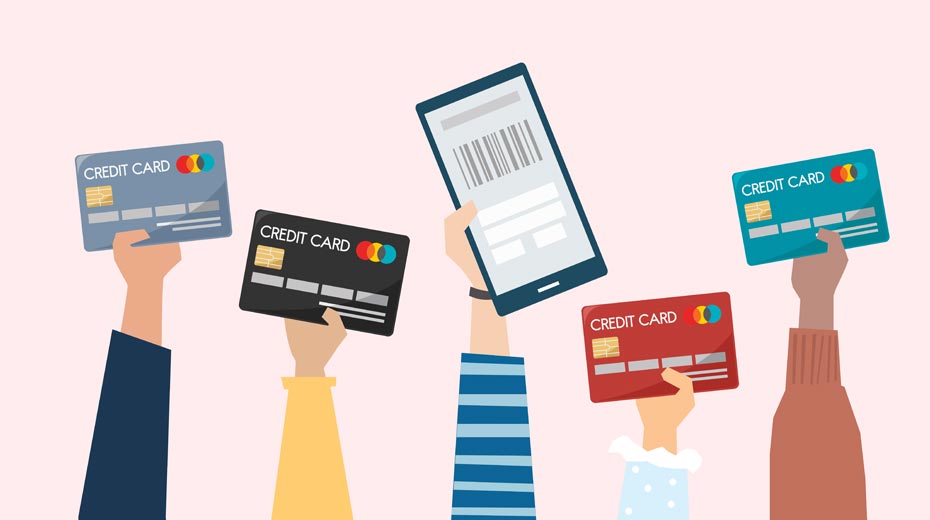
Items returned within 14 days of their original shipment date in same as new condition will be eligible for a full refund or store credit. Refunds will be charged back form of payment used for purchase. Customer is responsible for shipping charges when making returns and shipping/handling fees of original purchase is non-refundable.
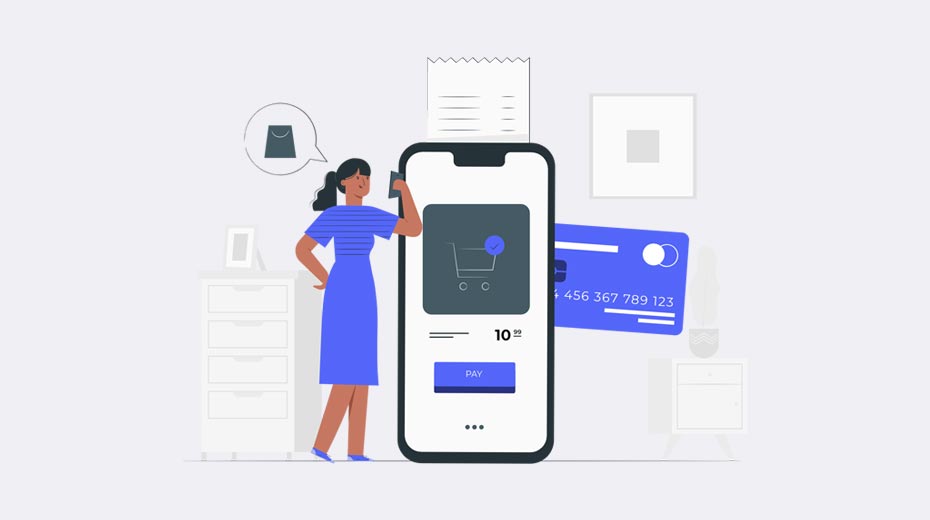
Lorem ipsum dolor sit amet, consectetur adipiscing elit, sed do eiusmod tempor incididunt ut labore et dolore magna aliqua. Ut enim ad minim veniam, quis nostrud exercitation ullamco.
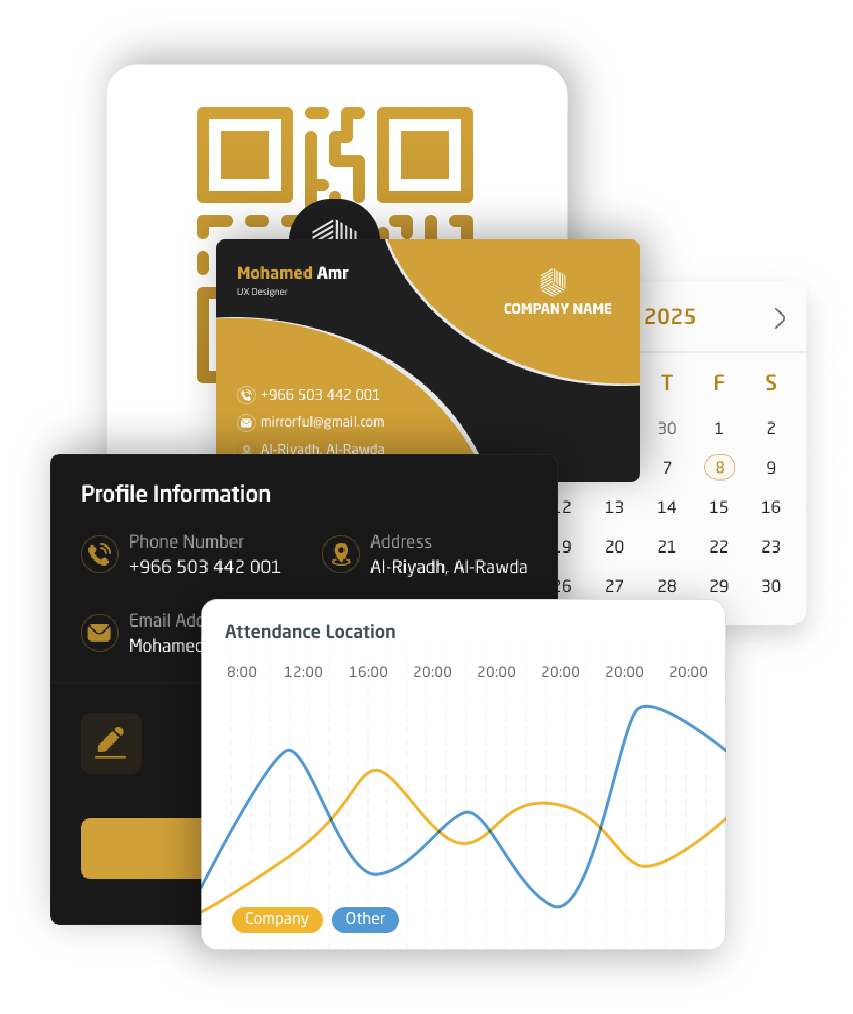
Install XTag on mobile to create, share, and manage your digital business cards on the go. Stay on-brand, update details instantly, and keep every connection one scan away.

Copyright © 2026 X Tag. All Rights Reserved.
 Get it on
 Download on the